← All guides · October 3, 2026 · 9 min read
The Realtor Weekly Content System: What to Post Every Day (in One Sunday Batch)
Five rotating pillars, one Sunday batch, zero daily deciding. The day-by-day system, a filled example week, and what to post when you have no listings.
Most real estate content calendars fail in the same place: they tell you to post a “market update” on Monday and a “tip” on Tuesday, and by week three you are staring at the calendar at 9pm, inventing a market update you do not have, for an audience that can tell. The calendar was never the problem. Deciding every day is the problem. Call the fix a real estate content calendar or a realtor social media calendar — the name matters less than removing the daily decision.
This system removes the daily decision. It runs on five rotating post types — the same five jobs from our real estate social media post ideas guide — assigned to fixed days, with listings slotted in whenever they land. You batch the whole week in one Sunday sitting, schedule it, and spend the week selling houses instead of feeding platforms.
The five pillars (and why each earns its day)
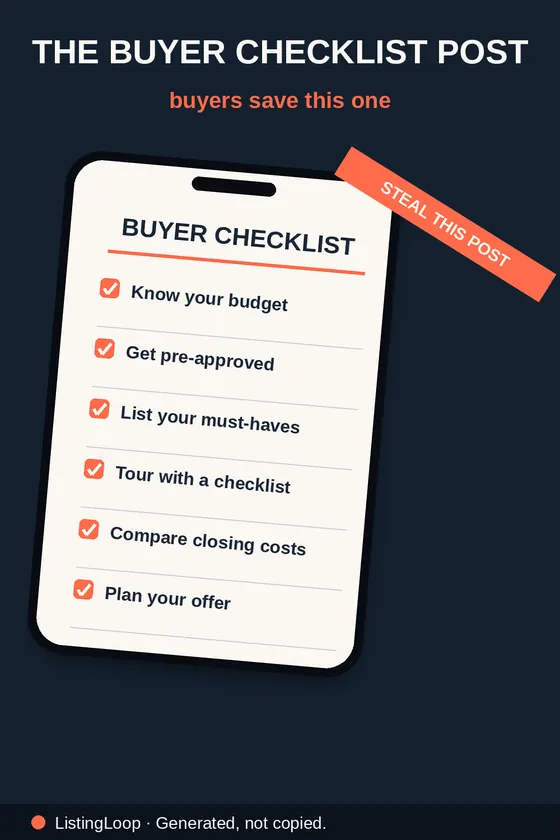
- •Market & expertise (Monday). One stat, one myth, one checklist — rotated. Opens the week by making you look like the local expert you are. These are the posts that get saved.
- •Education (Tuesday). One buyer or seller question, answered in public. Pull it from last week’s showings, DMs and calls — you never have to invent a topic, because your clients hand you one daily.
- •Listing spotlight (Wednesday). Your current listing, a coming-soon, or — in quiet weeks — a one-feature focus on a past listing’s street or a sold story. Midweek is when portals refresh and buyers browse.
- •Local (Thursday). Neighbourhood spotlight, local business, weekend preview. The posts that make relocating buyers find you and past clients stay.
- •Proof & personality (Friday). Testimonial, behind-the-scenes, closing story, or a conversation starter (this-or-that, local poll). Friday feeds are social; be a person, briefly, on purpose.
Weekends are reactive, not planned: open house content if you are hosting (the full sequence is in our open house post ideas guide), a sold post if you closed, a Stories-only touch if neither. Listings always outrank the calendar — a new listing goes out the day it lands, in the just listed format, and the pillar post moves or drops. The system serves the business, not the reverse.
A filled example week
Same imaginary agent, one live listing (3-bed in Austin, $425,000), no closings this week:
- •Monday — Market: “Myth: you need 20% down. Reality: low-down-payment options exist — here is who they suit and what they cost.” Carousel, 5 slides, written Tuesday in 20 minutes from last week’s lender call.
- •Tuesday — Education: “A buyer asked me this week whether they can make an offer before their own place sells. Short answer: yes, with conditions. Here they are.” Talking-head Reel, filmed in one take at the desk.
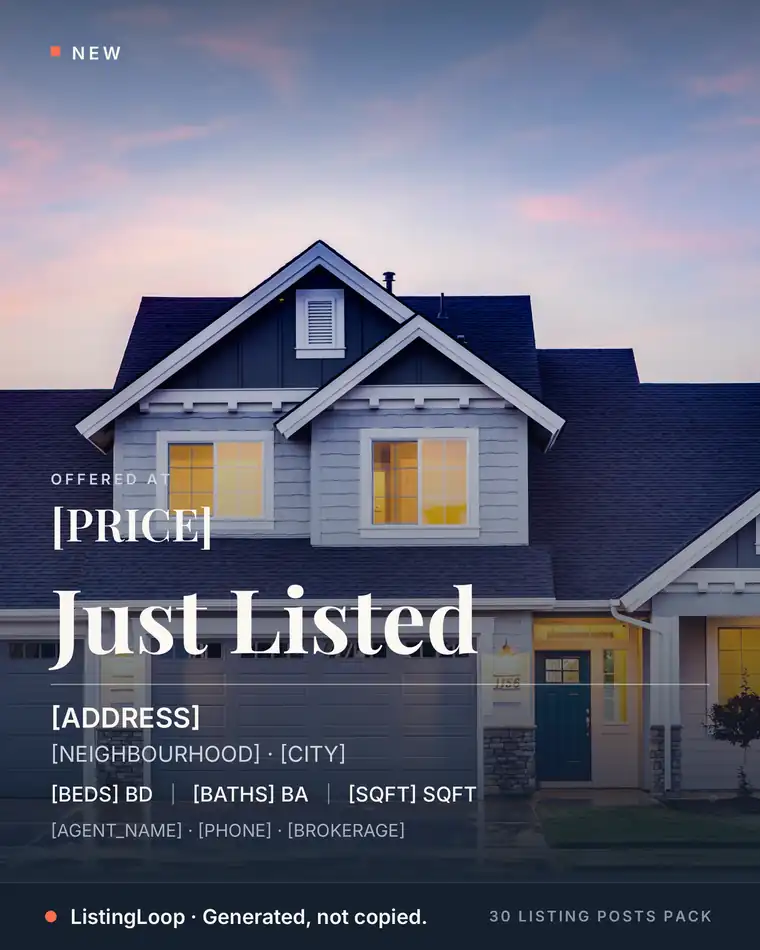
- •Wednesday — Listing: the story-led Just Listed post for the Austin listing — covered-deck hook, specifics, one CTA. Photo carousel from the listing shoot.
- •Thursday — Local: “What $425K buys in Austin this month” — using her own listing as the honest example, plus two lines on what it does not buy. Series post, month 4 of the series.
- •Friday — Proof: behind-the-scenes from photo day: “Listing photos are shot on the worst-weather day on purpose. Here is why.” One photo, four sentences, done.
- •Saturday — Open house: the day-of Story sequence (arrival, one feature, last call) — shot on the phone in the moment, zero batching.
Total planned posts: five feed posts + one Story sequence. Total new ideas she had to invent: zero — every slot was a rotation, a client question, or the listing itself.
The Sunday batch, step by step
- 1.List the raw material (10 min). This week’s listings, last week’s client questions, one local thing you noticed, one testimonial or story you have permission to use. Four lines on paper.
- 2.Assign pillars to days (5 min). The rotation above. Write the working title of each post next to its day.
- 3.Write captions first (30–40 min). Words before graphics — a caption with no image can still post; a graphic with no caption cannot. Listing captions come from your listing details: hook, specifics, one CTA (or generate them — see below).
- 4.Make or adapt graphics (20–30 min). Templates, listing photos, one phone video. Nothing here needs to be designed from a blank canvas, ever.
- 5.Schedule and forget (10 min). Load the week into your scheduler. During the week your only jobs are replying to comments and posting the reactive weekend content.
That is roughly 75–95 minutes, once, replacing five separate evenings of deciding. The first two weeks feel slower — you are building the rotation and the template habits. By week four the batch is a routine, and the routine is the entire point: consistency in real estate content is a scheduling achievement, not a creativity achievement.
The week itself: ten minutes a day
Batching is production. The week is distribution, and it asks for about ten minutes a day: reply to comments on that day’s post (the first hour matters most — an answered comment thread is what turns a post into a conversation), answer DMs the posts generate, and once mid-week, reshare your best-performing post to Stories with one new line of context. That is the whole weekday job. If a post outperforms, note which pillar and which format it was; the rotation learns from data, not from vibes, and next month’s Sunday batches get quietly better.
The two ways this calendar dies (and the fixes)
- •Too ambitious. Fourteen posts a week, five platforms, video every day — dead by week three, every time. The fix is subtraction: run the three core pillars (Monday, Wednesday, Friday) at a quality you can hold in your busiest month, and add Tuesday/Thursday back only when the batch feels boring.
- •Too vague. A calendar that says “market update” without naming the source material is a to-do list, not a system. The fix: every slot on your calendar names its raw material — the client question, the listing, the one local stat you already saw this week. If a slot has no raw material by Sunday, swap it for a checklist or myth post, which can be written from knowledge you already have.

Skip the blank caption box
The free Listing Post Generator writes this exact kind of post from your listing details — your city, your numbers, your name — in about 20 seconds. Caption 1 is instant; all three captions plus hashtag sets unlock with an email.
Try the free generator →What to post when you have no listings
New agents and quiet months break calendars because most calendars assume listings. This one doesn’t. The Wednesday slot becomes: a just sold post from any past deal (every agent has at least one), a “what $[price] buys” using a colleague’s listing with permission and credit, a neighbourhood spotlight with your own photos, or a second education post. Four of the five pillars never touch a listing at all — a no-listing month still runs at 80% strength, and the feed that keeps showing up in a quiet month is the one sellers remember in the busy one.
How often is enough?
Honestly: five planned touches a week beats fourteen for two weeks followed by silence. The platforms reward recency, but your clients reward reliability — and reliability compounds. Pick the cadence you can hold in your busiest month, not your quietest, and let the system hold it. If that is three posts a week, run Monday/Wednesday/Friday pillars and skip Tuesday/Thursday until the routine is boring. Boring is the goal. Exciting content, boring process.
The 30 Listing Posts Pack is this system with the month pre-built: the Just Listed formats for listing days, the education and engagement posts for pillar days, and a posting prompt on every one telling you which day and context it belongs in. Agents who batch with it skip steps 3 and 4 almost entirely — the captions and graphics are written; you localise and schedule.
Want the month done for you?
The 30 Listing Posts Pack: a full month of posts — finished graphic, written caption, hashtag set and posting prompt on every one. $17, one time. No subscription.
Written by the ListingLoop team — we build the free Listing Post Generator and the 30 Listing Posts Pack. Everything in our guides is the same system we sell, explained in the open: if a guide stops being useful without a purchase, we have written it wrong.